- Blog >
- Lockers & Shops >
- 9-inpost-tricks
9 InPost tricks worth knowing
9 Sept 2026
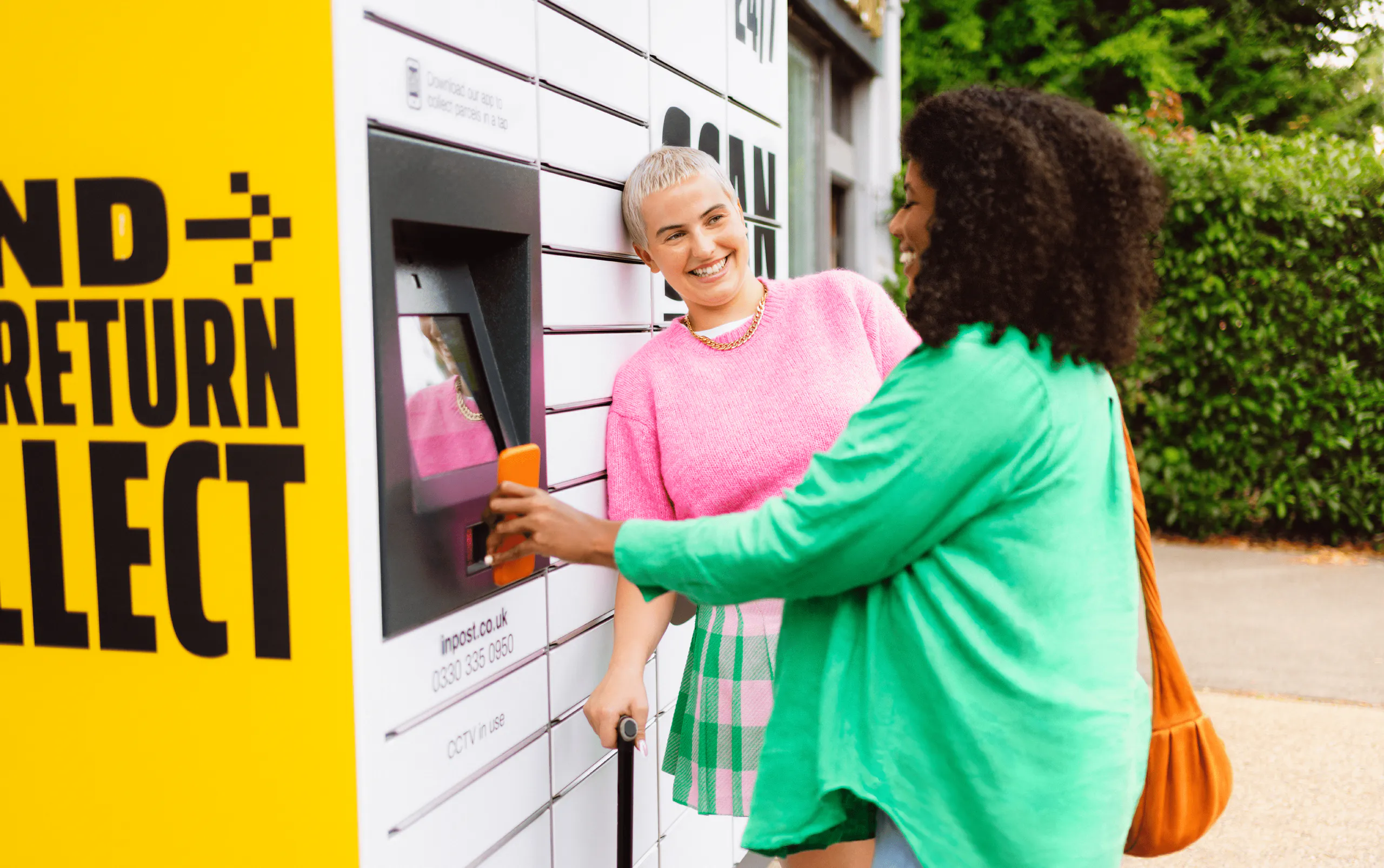
Trust us when we say, you ask and we listen. From choosing a lower locker to collecting multiple parcels with one QR code, there’s more to InPost than meets the eye.
Here are nine things that might make you say, “I didn't know you can do that?”
Spoilers, here is what's coming up:
- You can request lower lockers when dropping off & picking up
- You can check for locker space when dropping off your parcels
- We have a Send service (it's super simple and easy on the wallet)
- You can set your preferences on home deliveries
- New feature: collect multiple parcels from one locker compartment
- How print-free sending works
- New feature: set your fave locker for future deliveries
- How and when parcel redirection works
- You can hear from us on the latest features & discount codes
1. You can request a lower locker
Need a locker at a more accessible height? We've got you.
Our lockers are designed to be easy to use, and you can request an Easy Access compartment whether you’re collecting or dropping off a parcel.
When collecting, simply head to your parcel in the InPost app and select Request Easy Access. We’ll aim to deliver your parcel to a lower compartment and let you know whether we’ve been able to do it.
Sending or returning a parcel? Our locker screens will also give you the option to request a lower compartment, where available.
2. You can check if there’s space before you leave home
No need to make a trip to a full locker.
If you’re sending a parcel, you can check whether your chosen InPost Locker has space before you head out.
Just check the Lockers page or the InPost app, find your preferred locker and see what’s available.
That means you can pick a locker that’s ready for your parcel before you even put your shoes on.
Check. Drop. Done.
3. You can send parcels with InPost
We’re not just about receiving parcels.
Got something to send? InPost can help with that too.
Buy your digital label online or in the app, get your QR code, then drop your parcel at any InPost Locker or Shop with space available.
And where can it go? You can send it to another InPost Locker or Shop, or straight to a home address.
No printer needed, either. Just scan your QR code, drop, lock and you’re done.
From your locker to theirs, without the faff.
4. Your home delivery can work around you
Not going to be home? No problem.
Sometimes your parcel arrives at exactly the wrong moment. Luckily, home deliveries can be managed straight from the app.
Depending on your parcel, you can:
- Redirect it to an InPost Locker or Shop if you won’t be home
- See a 2-hour delivery slot
- Save your delivery preferences
- Add a safe place
- Choose a preferred neighbour
- Add neighbours you’d rather we avoid
- Add extra instructions using the free-text box
So instead of your parcel working around your plans, your delivery can work around you.
We're in the process of bringing you more & more handy features, so please bear with us and stay tuned!
More about Manage My Parcel
5. You can collect multiple parcels with one QR code
One QR code. One door. All your parcels.
Got several parcels heading to the same locker? You might be able to collect them all in one go.
If multiple parcels arrive within around 28 hours of each other, we may put them together in one locker compartment.
And if they are grouped together, you only need one collection QR code to open the compartment and collect them all.
You can still collect parcels individually as they arrive if you’d rather not wait.
*just to make sure it's super clear, multiparcel is only for collection. When dropping off your parcels you still need one compartment per parcel (but we're working on it)!
Find out about multiparcel collection
6. You really don't need a printer
Sending with InPost can be completely print-free.
When you send a parcel, your QR code contains everything we need. At a locker, simply scan it, choose your compartment size, open the door and drop your parcel inside.
Using an InPost Shop? Just show your QR code to the shopkeeper and hand over your parcel. They’ll take care of the labelling from there.
You might spot a label on your parcel later in its journey, but you don’t need to print one yourself. We take care of the printing on our side.
No printer. No paperwork. No problem.
See how print-free sending works
7. You can pick your favourite locker
Got a locker you love? Make it your go-to.
If you regularly collect parcels from the same place, you can set your preferred locker in the InPost app.
For eligible parcels, we can then use your chosen locker when you select this option.
Because when you’ve found your locker, why keep searching?
Just your parcel, automatically heading to your favourite pick-up spot.
Get the app to set your preferred locker
8. Sometimes we might send your parcel to a locker - but we’ll keep you posted
Every now and then, we might need to redirect a parcel to a different nearby InPost Locker or Shop.
Here are some of the reasons why:
- Your chosen locker could be full or temporarily unavailable
- Or, with a home delivery, we might not be able to access the address, hand the parcel to someone or find a suitable safe place
If this happens, we’ll redirect your parcel to a nearby location within 750 metres of the original delivery location (never any further).
And importantly, we’ll keep you updated. You’ll get a heads-up about the possible change, a confirmation of the new location and then an update when your parcel is ready to collect.
Learn about parcel redirection
9. You can get the inside scoop every month
Want to know what’s new at InPost?
We’re always adding new features, services, locations, and ways to make sending and receiving parcels easier.
The easiest way to keep up? Our monthly newsletter.
It’s where we share the latest InPost updates, new features, handy parcel tips and discount codes.
So, if you like being the first to know what’s new (or you simply like a good discount) pop your email address in and stay in the loop.
Your monthly parcel intel, straight to your inbox.

